Make Orthodontic TreatmentSmarter and Easier
SmileDiary is your professional clear aligner management assistant. Through smart reminders, photo tracking, and data analysis, make your orthodontic journey easier and more scientific.
- No Registration
- Records Never Reach Our Servers
- Ad-Free
Designed for Clear Aligner Patients
From daily wear tracking to the report you bring to your next visit. Everything here is free.
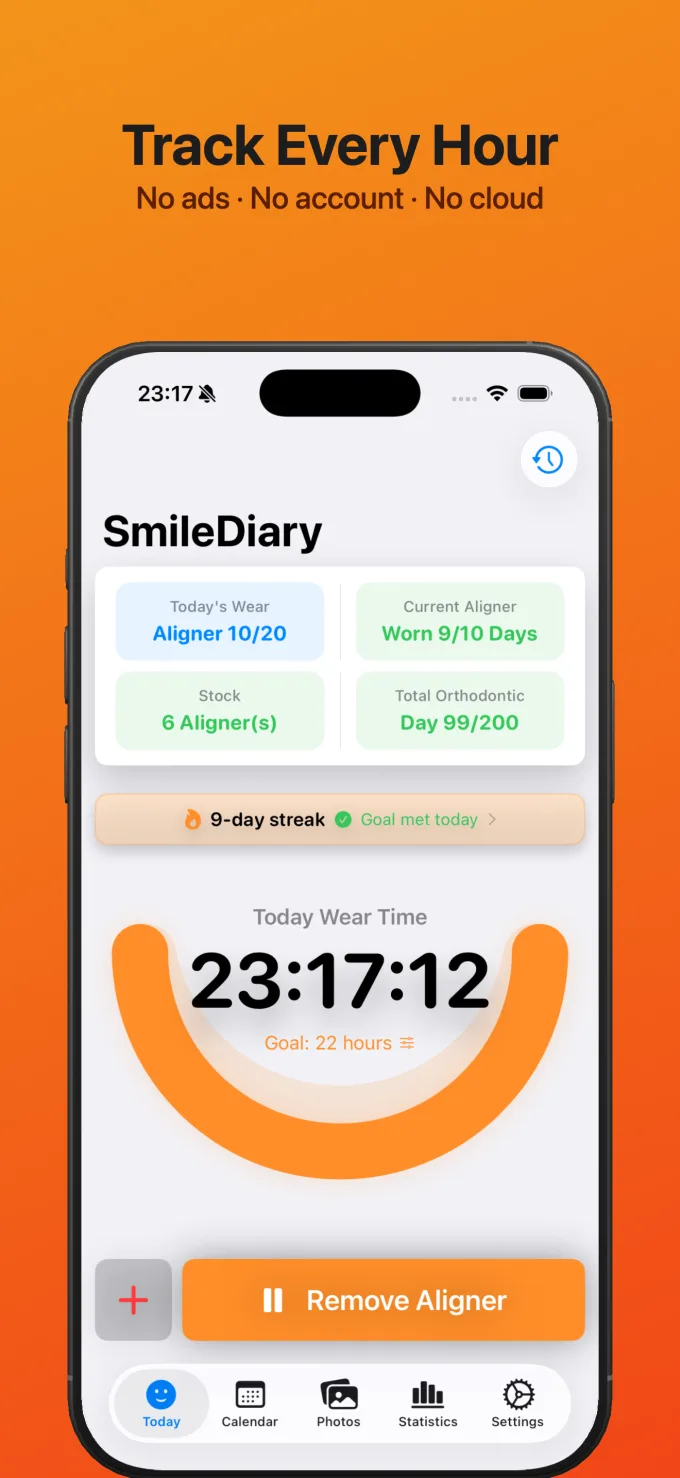
Smart Wear Timer
One tap to log removals and put-backs, a live view of today's wear progress, and a wear goal you set to match your orthodontist's instructions.
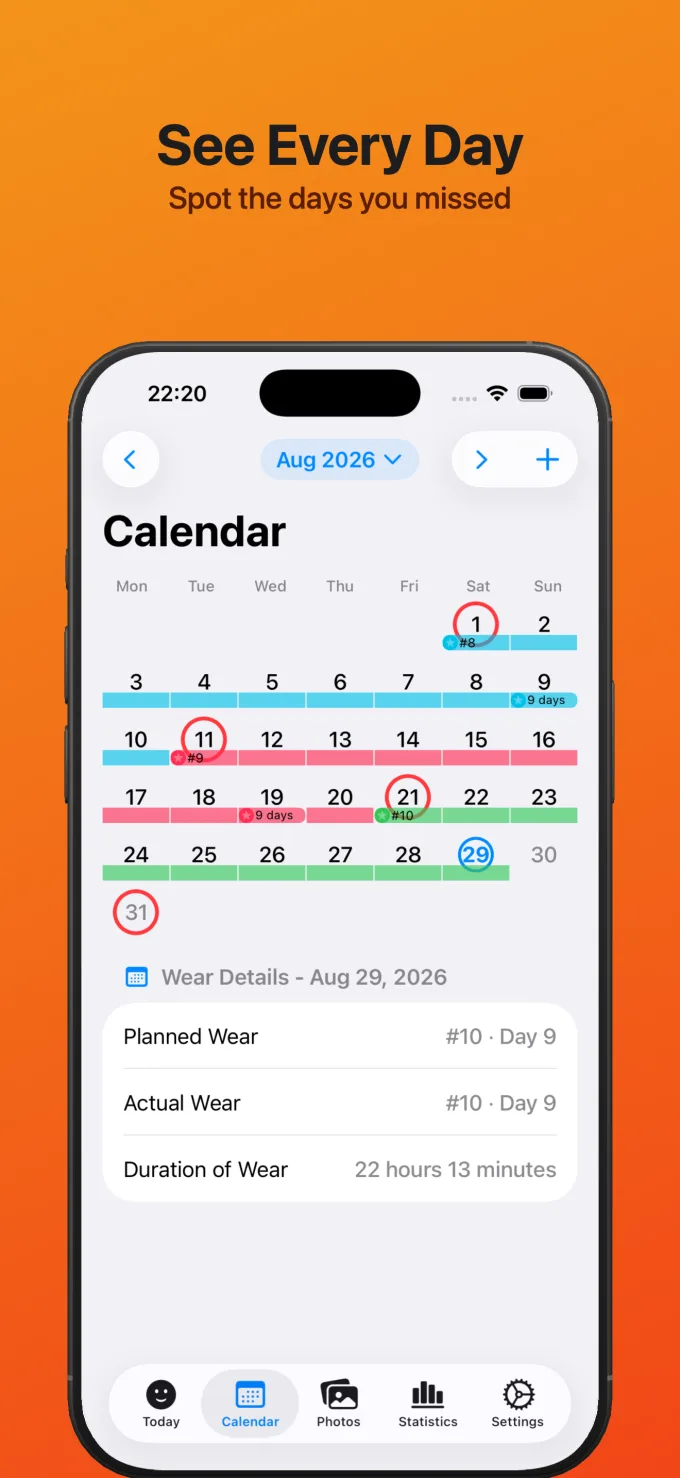
Visual Calendar
A color-coded view of every day's compliance, with notes for pain, lost attachments, or anything worth remembering.
Progress Photos & Smile Timeline
Guided shots for 6 standard angles, organized by aligner number. Replay your transformation angle by angle, by dragging or pressing play.
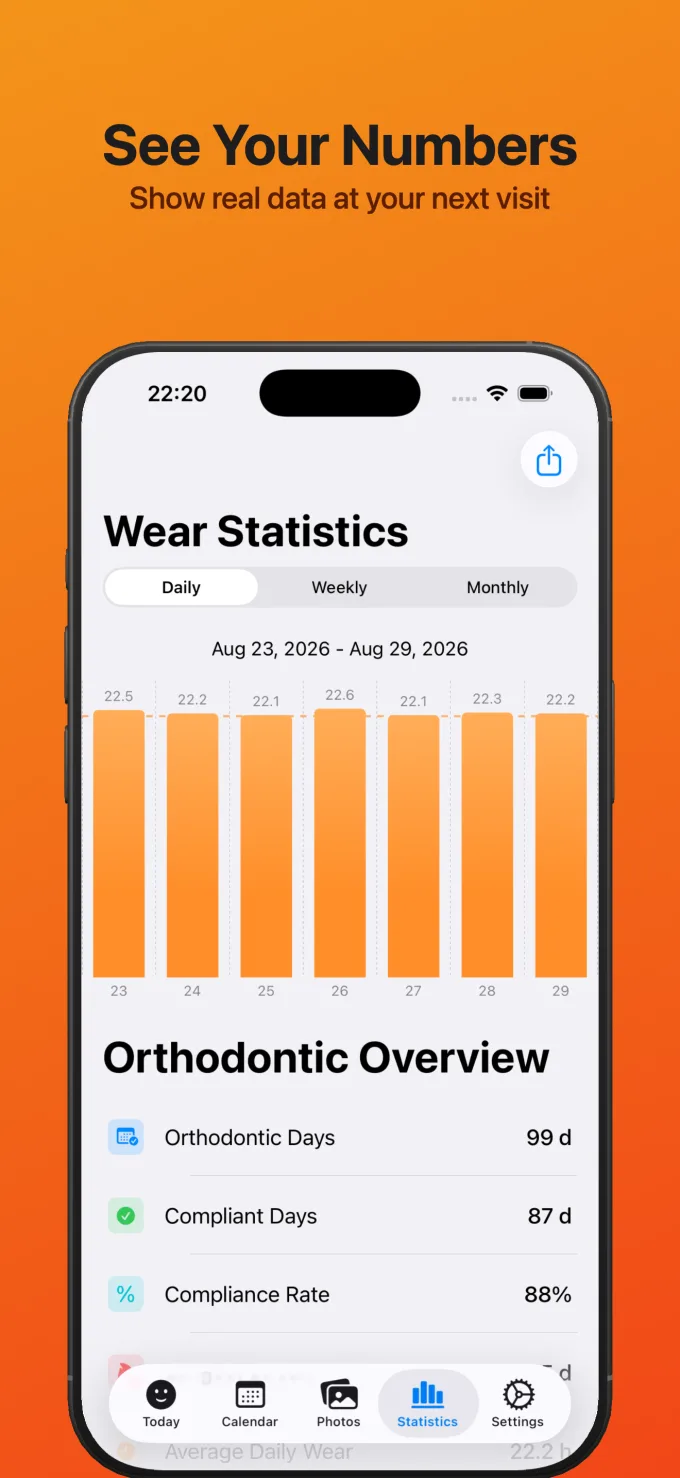
Insights & Reports
Daily, weekly, and monthly wear trends, compliance rate, total days, and longest streaks. Show real numbers at your next visit.
Progress Video, Free
Turn same-angle photos into a time-lapse with music, in portrait or landscape, and share it anywhere.
Export & Automatic Backup
Export every record and photo in full whenever you like. If the database is ever damaged, automatic backups bring your records back.
Less effort for every day's tracking
Every core feature is free. Pro moves tracking onto your Lock Screen, your wrist, and Siri, so you can log without opening the app.
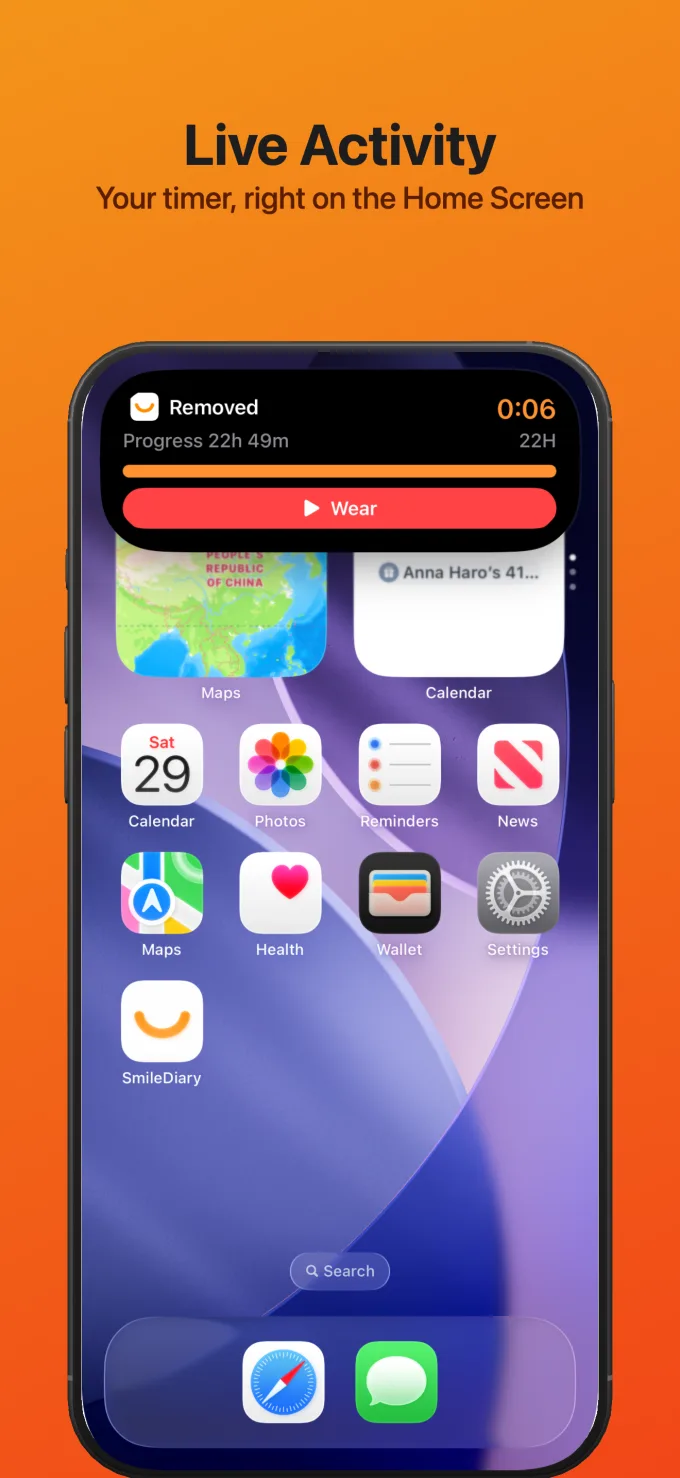
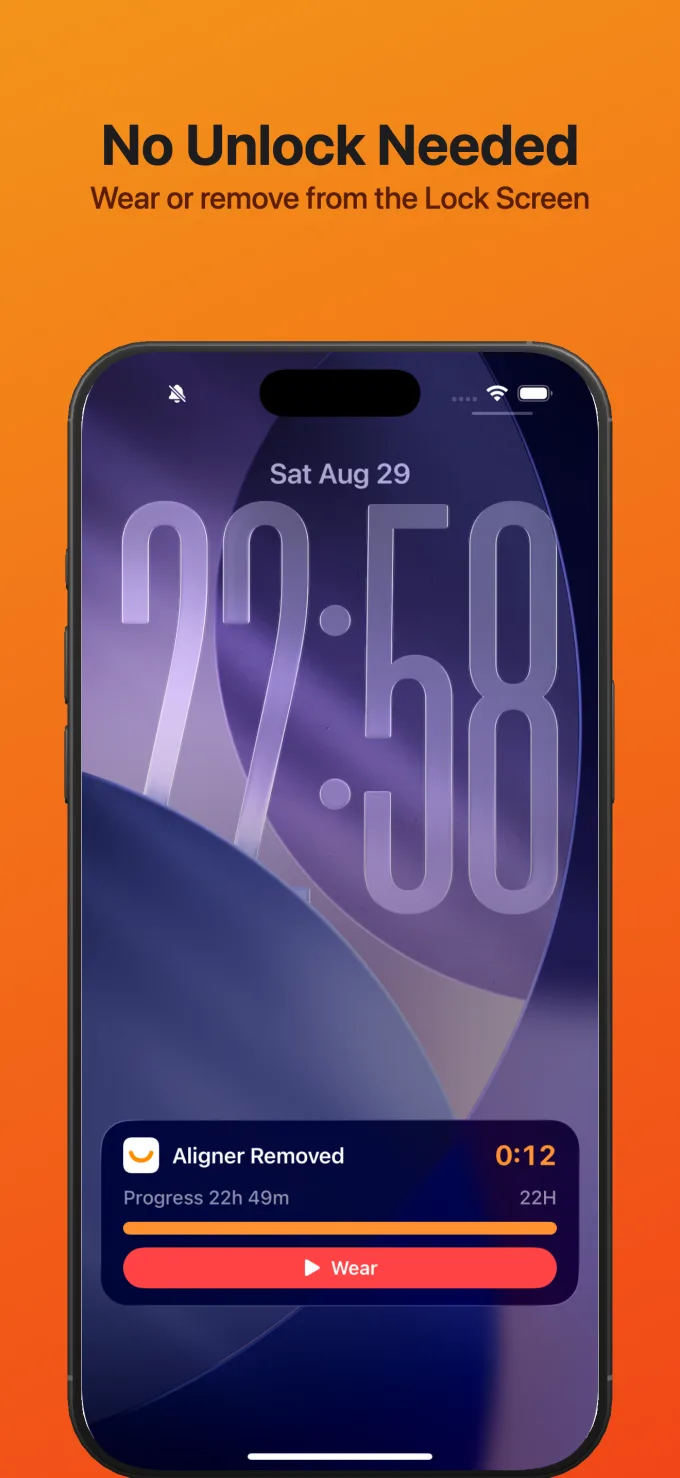
Live Activity on the Dynamic Island & Lock Screen
A live removal timer from the moment you take your aligners out, with one-tap put-back.
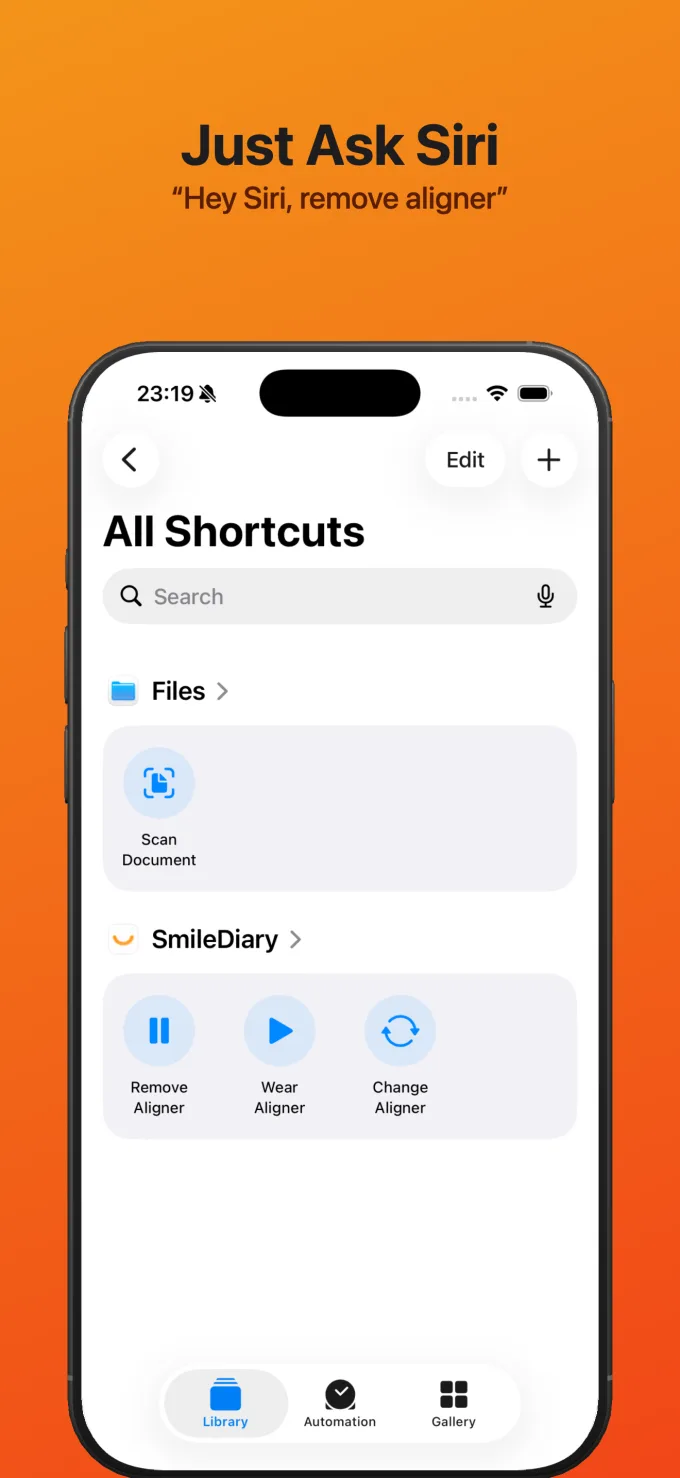
Siri & Shortcuts
Say "Remove aligner in SmileDiary" to log hands-free, with a built-in card in the Shortcuts app.
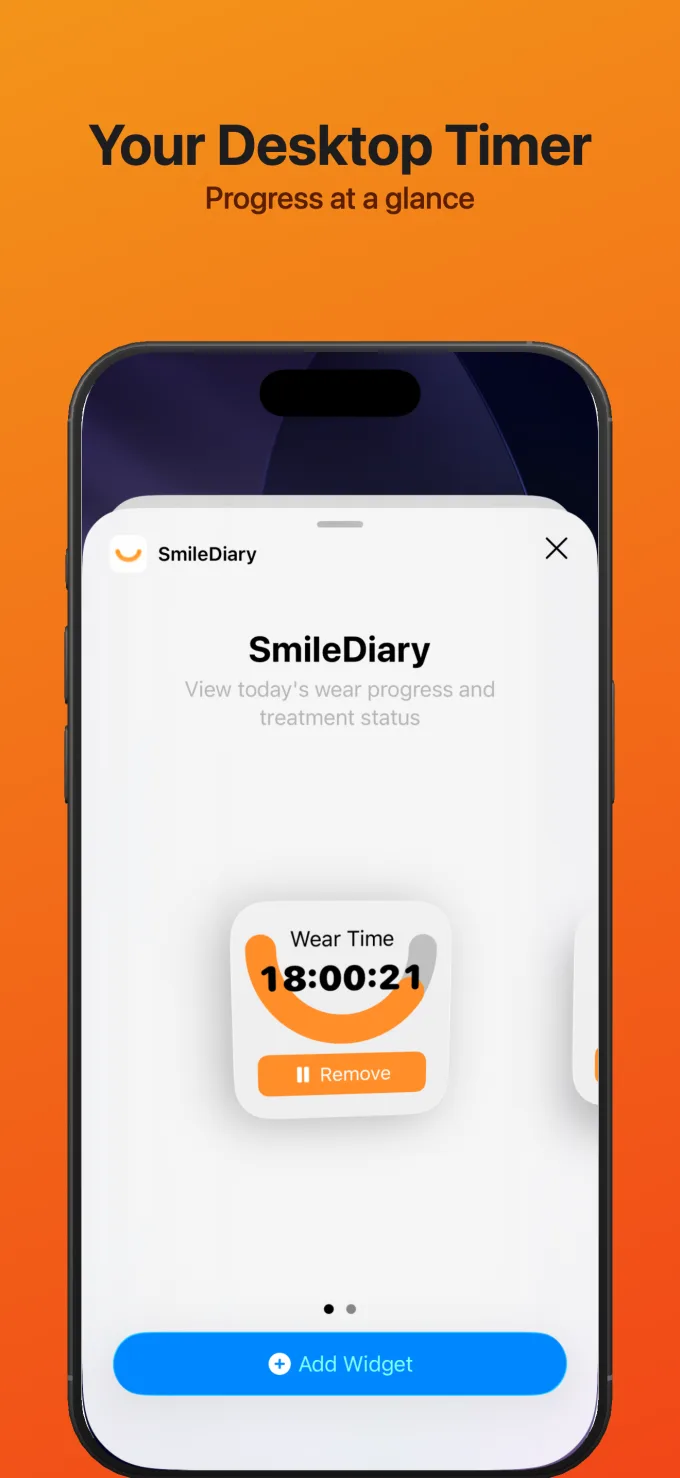
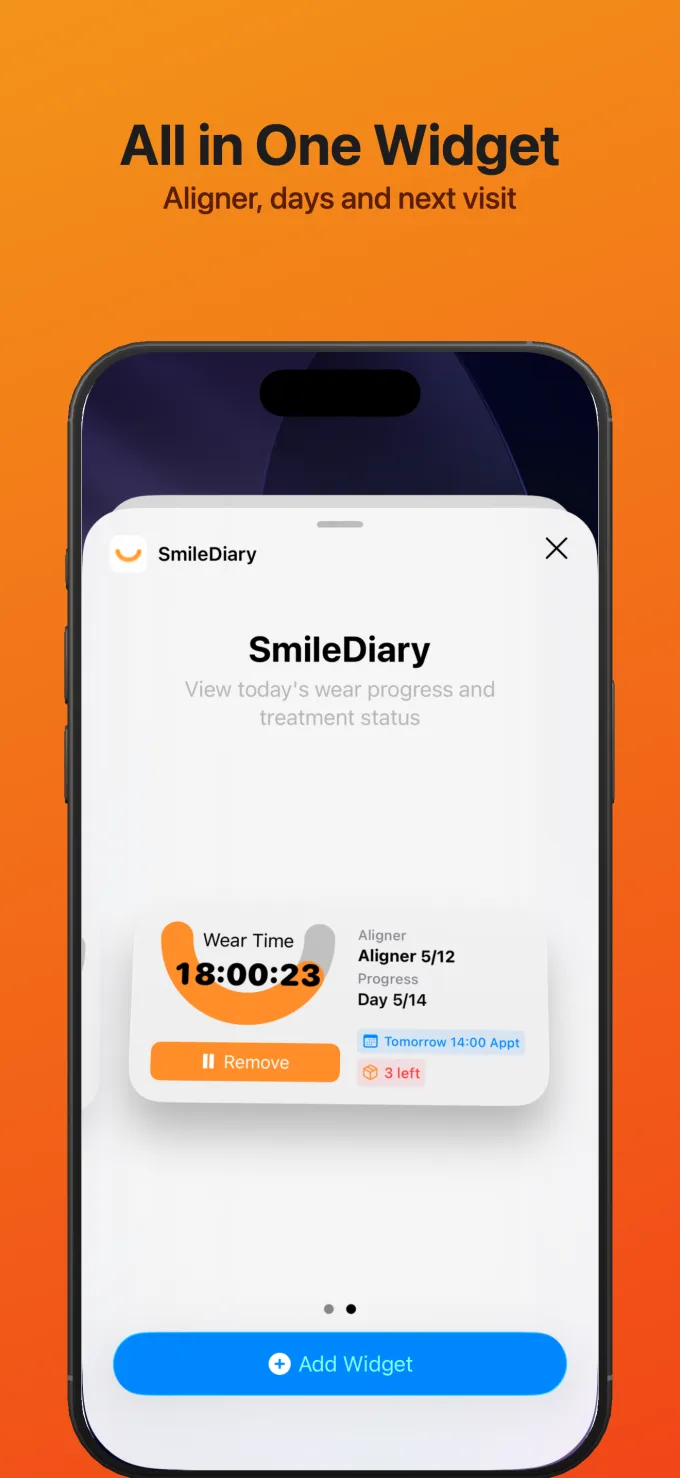
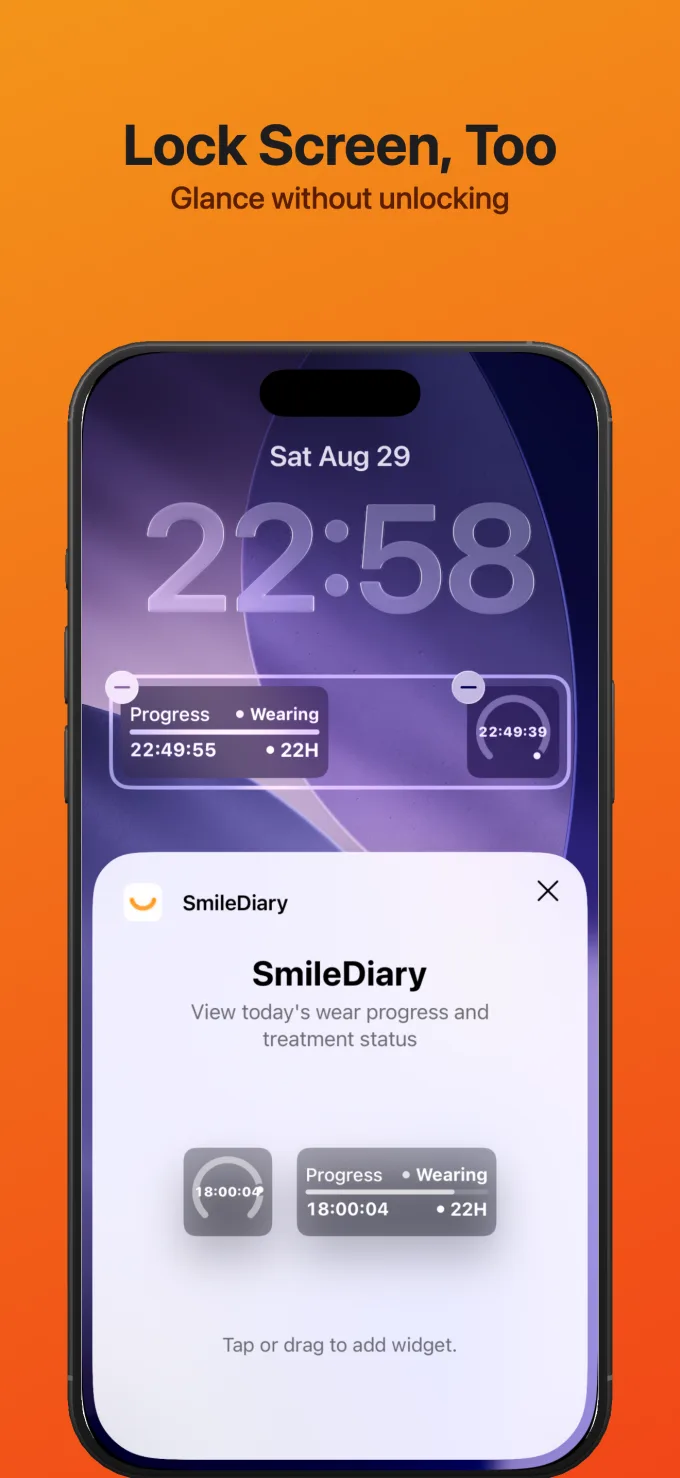
Home & Lock Screen Widgets
Wear progress, current aligner, and next visit at a glance.
Apple Watch App
A full watch app: remove, put back, and check progress right from your wrist.
iCloud Sync
Records and photos flow between your iPhone and iPad, stored in your own iCloud.
Pro is available as a monthly or yearly subscription, or a one-time lifetime purchase. Prices are shown in the app.
Say Goodbye to Orthodontic Troubles, Embrace Smart Management
Without SmileDiary
Forget Wear Time
Often forget to track, can't accurately know daily wear duration
Miss Replacement Time
Forget to change aligners, affecting treatment progress
Can't See Progress
No systematic records, hard to see subtle teeth changes
Don't Know When to Return
Unclear about remaining aligners, often miss appointment timing, delaying treatment
With SmileDiary
Precise Time Management
Easily record wear time, auto-analyze data, help you achieve your wear goals
Smart Reminder System
Auto-remind changes, appointments, cleaning - never miss important moments
Visual Progress
Photo comparison timeline, clearly see every step of change
Smart Appointment Reminder
Track aligner inventory, auto-remind appointments when running low, get new aligners on time
What You Might Want to Know
Which aligner brands does SmileDiary support?
SmileDiary supports all mainstream aligner brands including Invisalign, Angel Align, Smartee, and more. No matter which brand you use, SmileDiary can manage it.
Do I need to register? Is my data safe?
No account is needed. Your treatment data never reaches our servers: it stays on your device, and with a Pro subscription it is also synced to your own iCloud account. The app only sends anonymous crash reports and usage statistics, as described in the Privacy Policy.
What's the difference between Free and Pro versions?
The timer, calendar, photos and timeline, statistics, progress videos, export, and backups are all free, with no ads. Pro adds the Live Activity on the Dynamic Island and Lock Screen, Siri and Shortcuts, Home and Lock Screen widgets, the Apple Watch app, and iCloud sync.
How to ensure I meet my daily wear time requirement?
SmileDiary helps you record your daily wear time and sends reminders when approaching your set goal. You can set personalized wear goals and reminder times based on your doctor's recommendations to build good wearing habits.
Is the progress video a paid feature?
No. Progress videos are free for everyone: pick same-angle photos and the app turns them into a time-lapse with music, in portrait or landscape, ready to share.
What if I switch phones or delete the app by mistake?
Export all records and photos as a ZIP file from Settings and import it on the new device. The app also keeps automatic backups of its database. Pro users with iCloud sync on simply sign in to the same Apple ID on the new device.
Which devices are supported?
iPhone and iPad running iOS 17 or later. The Apple Watch app works alongside your iPhone.
Can I manage more than one treatment plan?
Yes. Set up separate plans for different phases, such as a refinement round, and switch between them at any time.
Start Your Perfect Smile Journey
Let SmileDiary accompany your orthodontic journey, making it easier and more scientific